Make it yours.
Choose your layout, dimensions, panels, glazing, hardware and architrave.
Don’t search. Don’t model. Just specify. And Click.
Real-world proportions. Believable spaces.
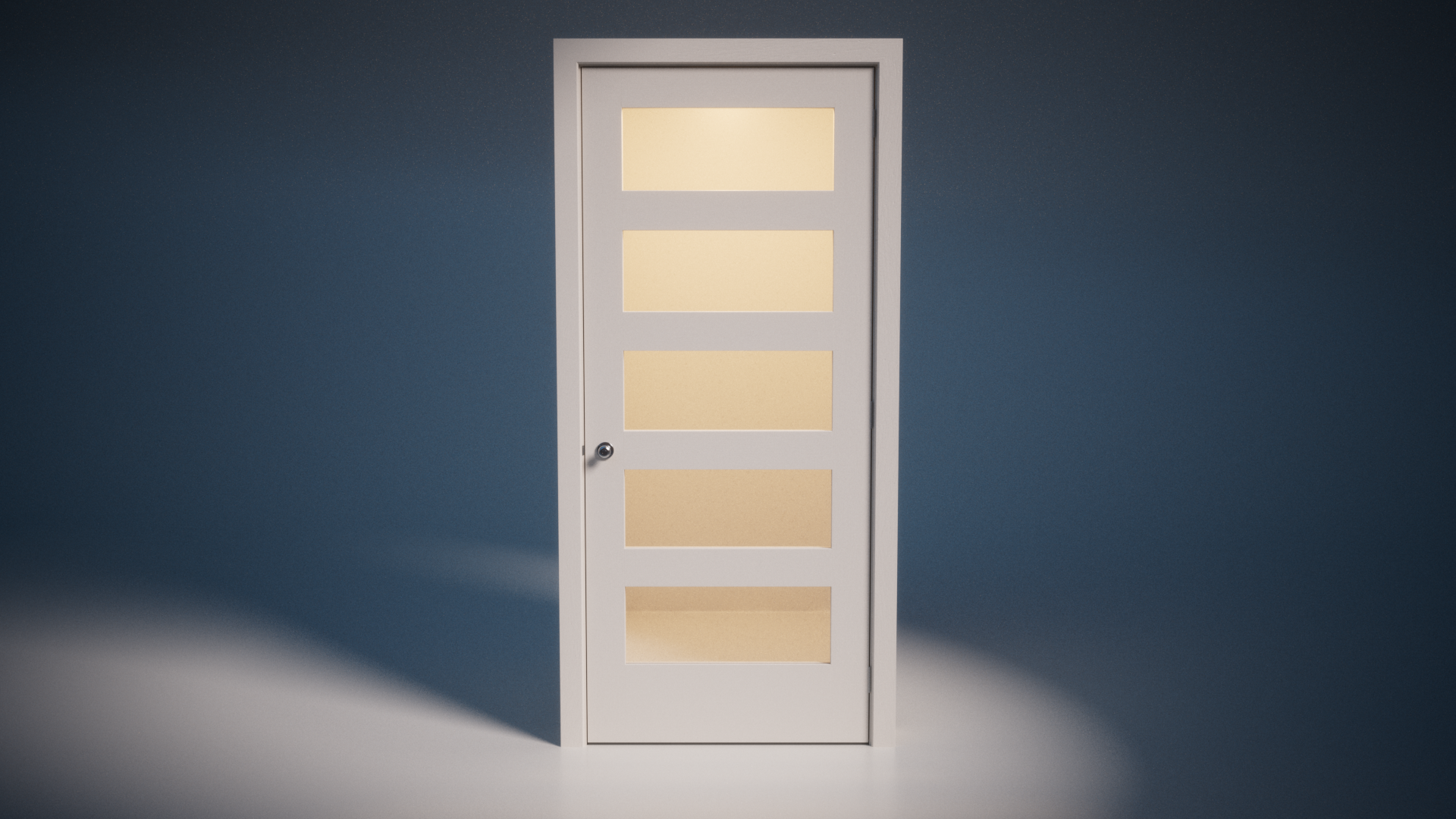
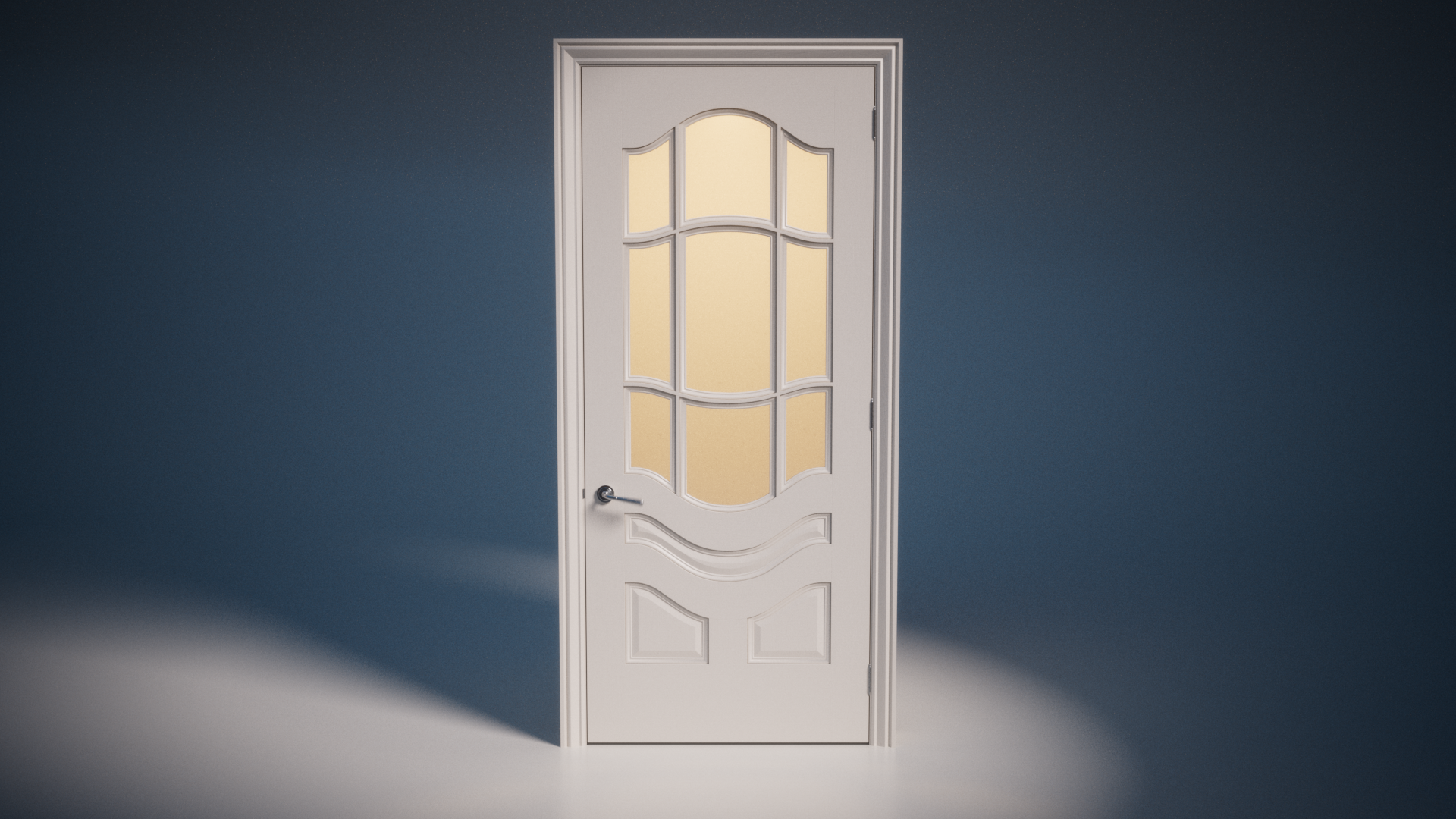
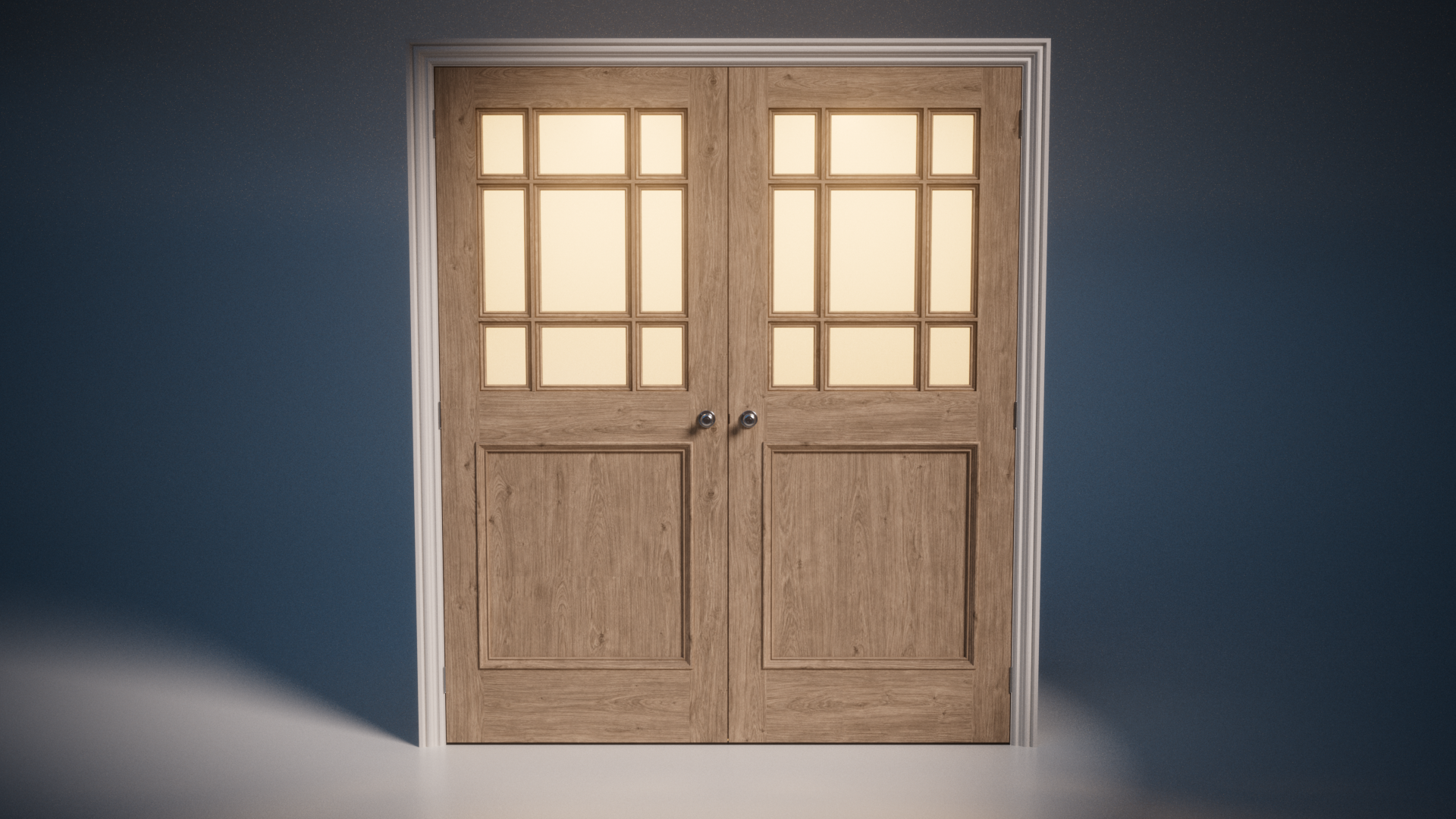
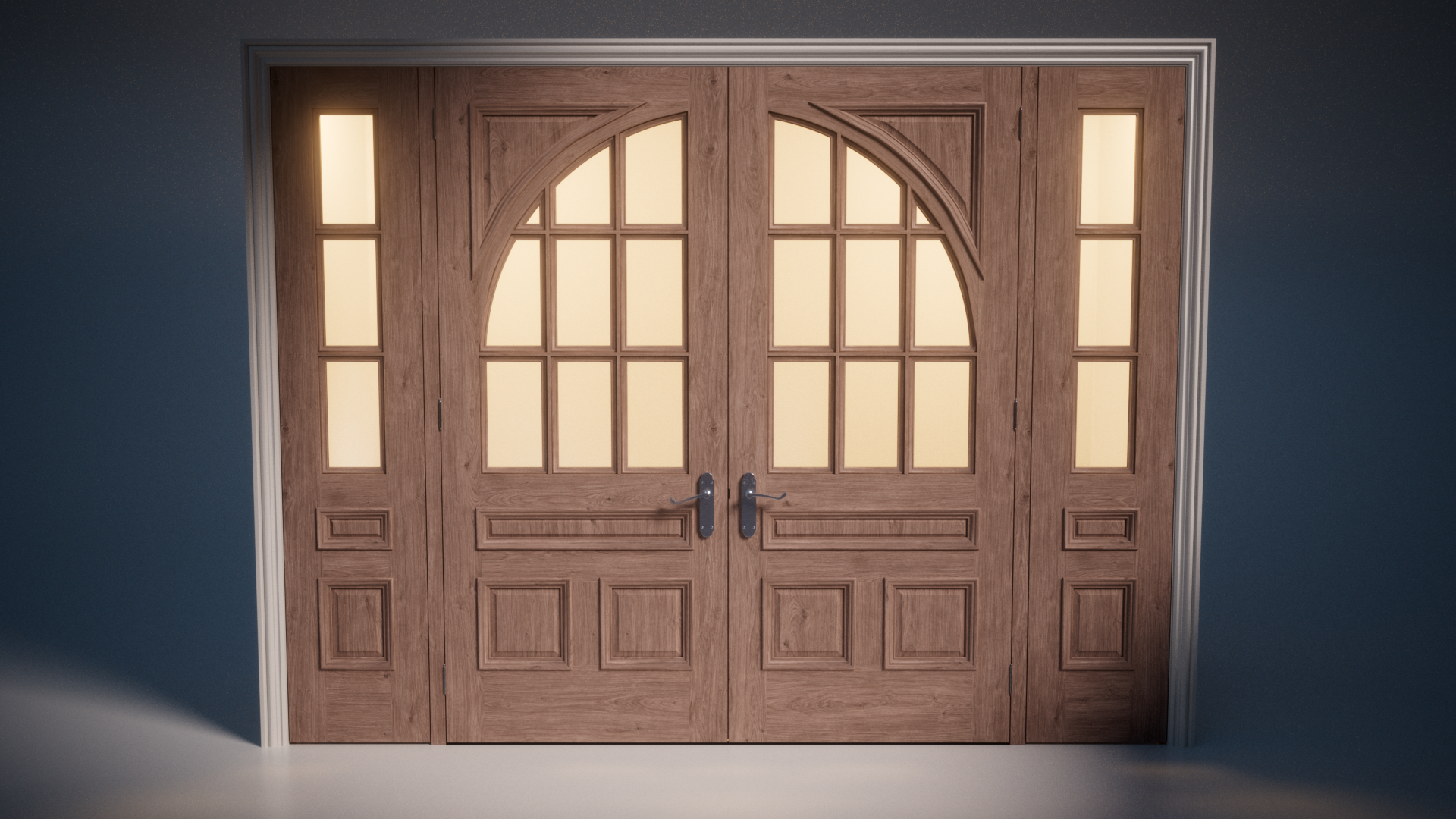
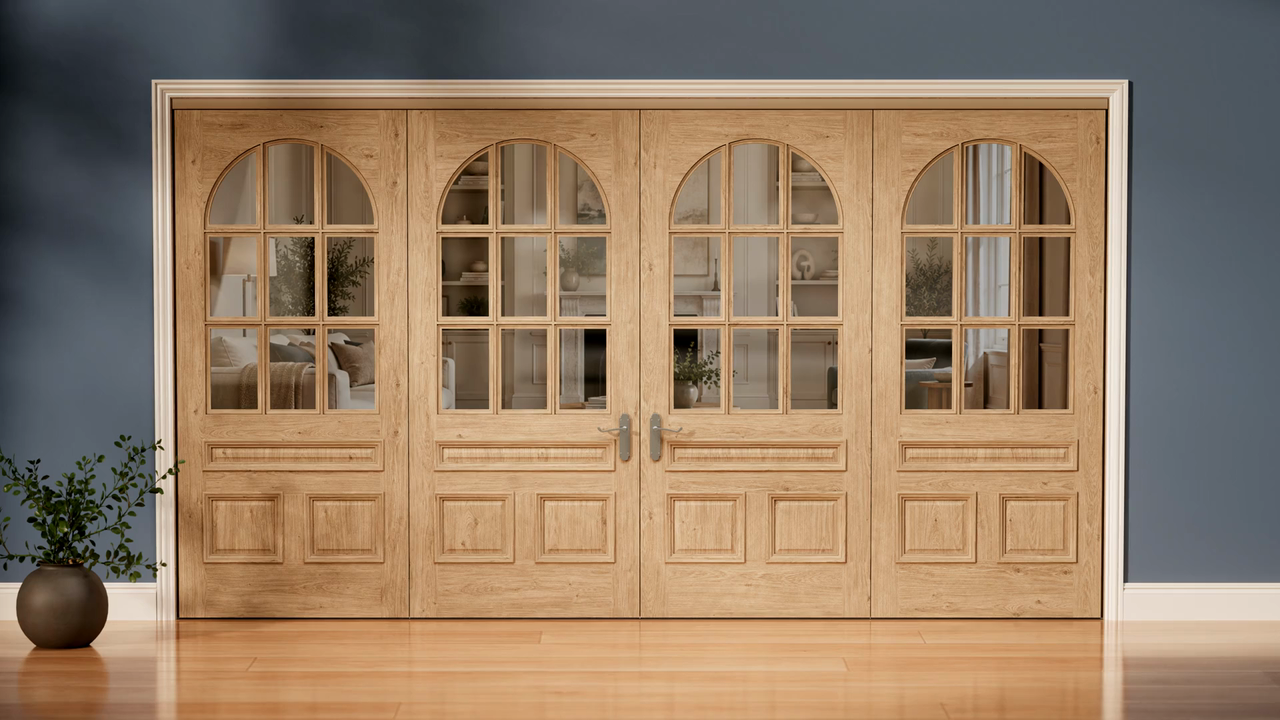
Start with a style. Make it yours.
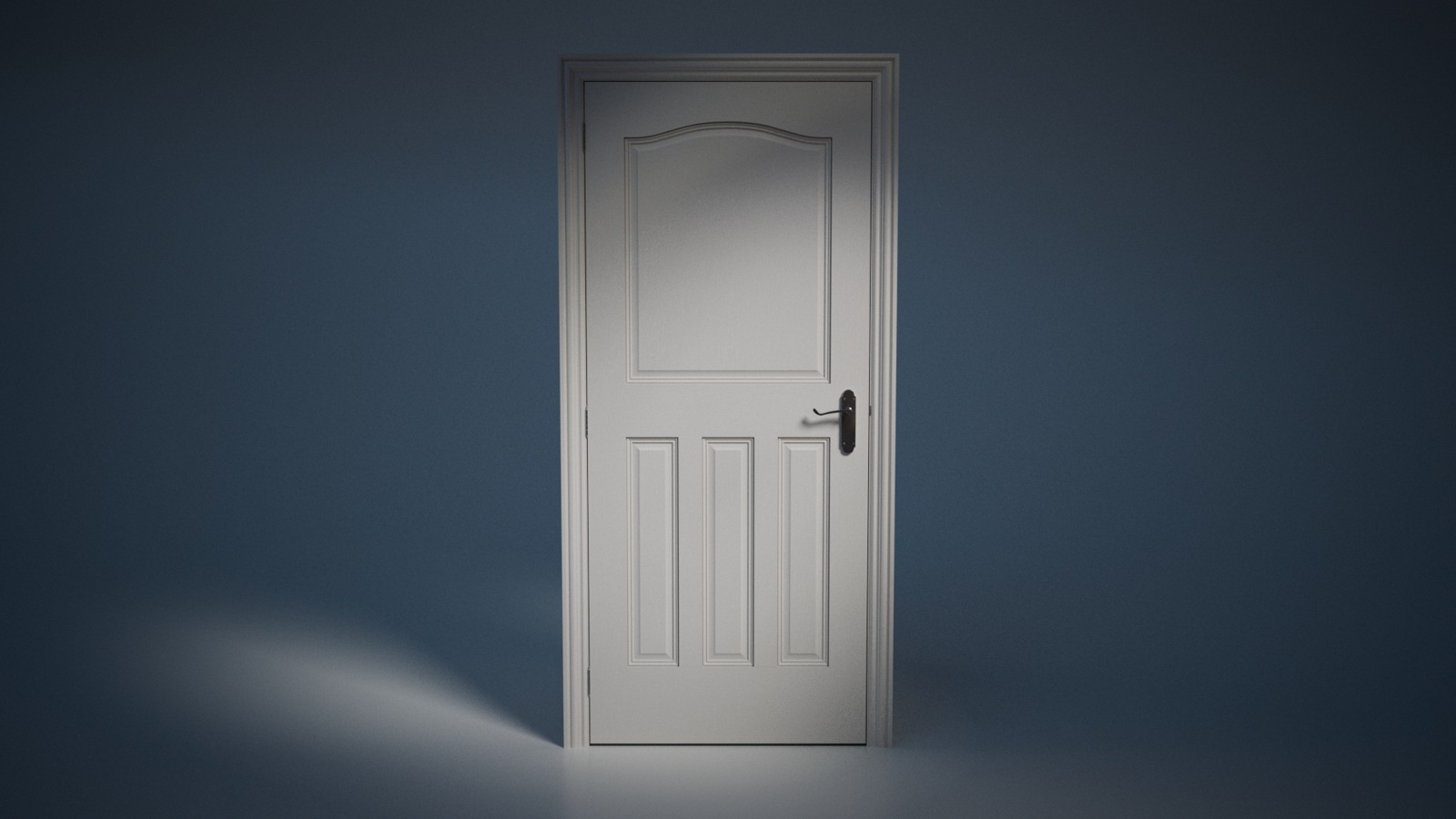
Start with the panel arrangement that suits your space. Change the composition as the brief evolves.
Add concave panels, Victorian beading and a different handle, giving the same layout its own character.
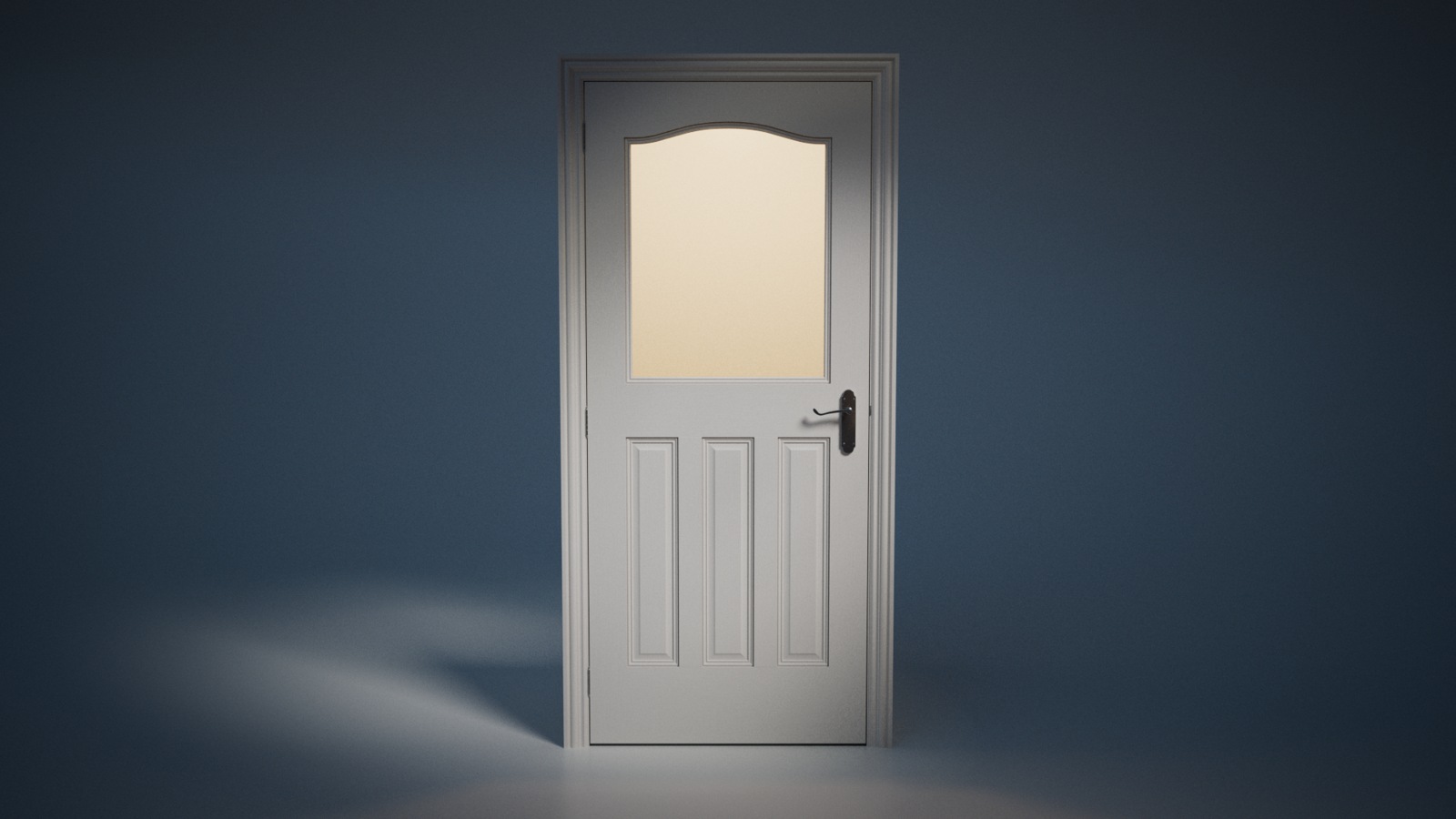
Choose from multiple glazing layouts and light options to suit your design.
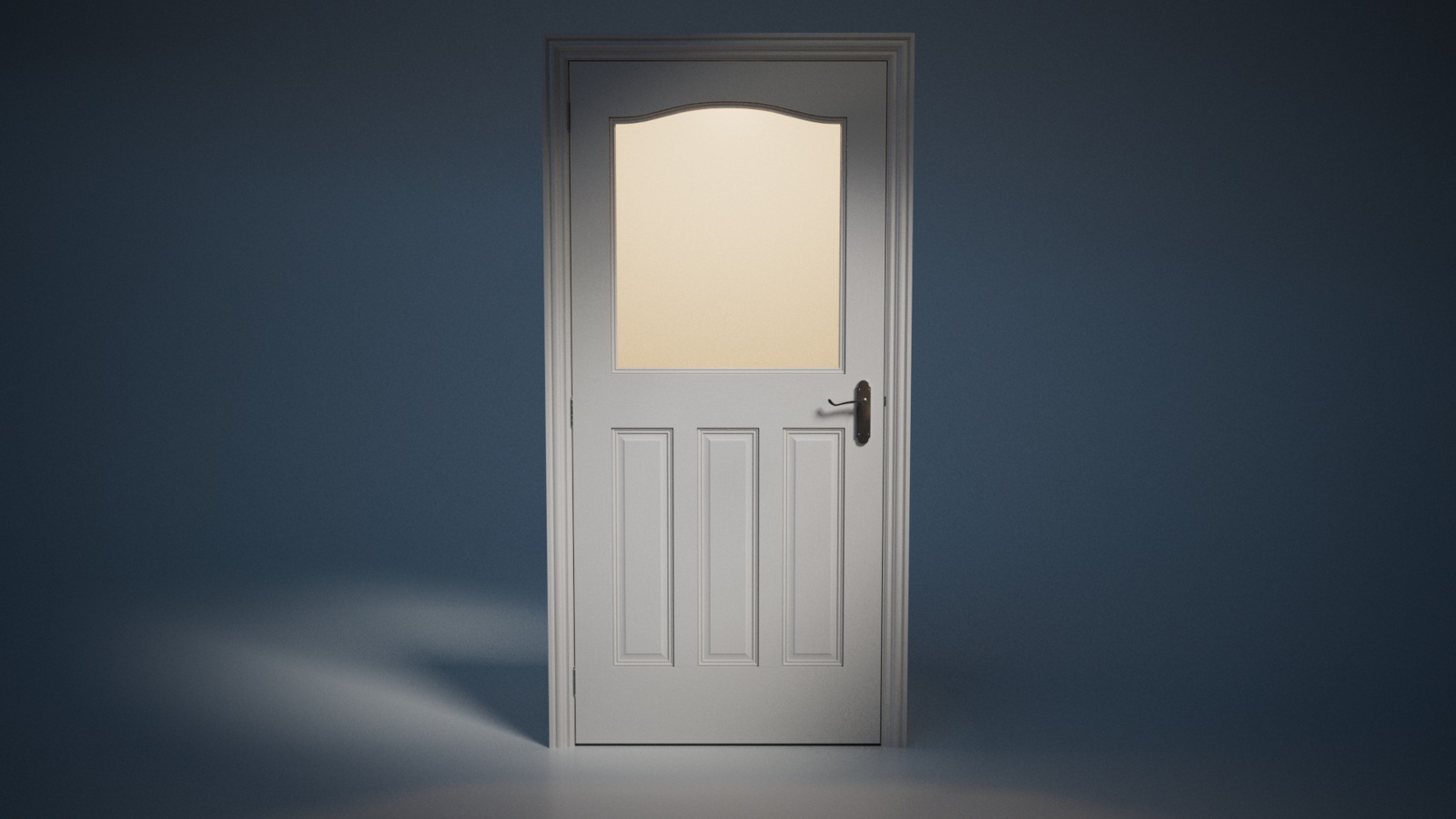
Make the door larger while keeping its proportions. Specify size, leaf thickness and frame depth to suit your project.
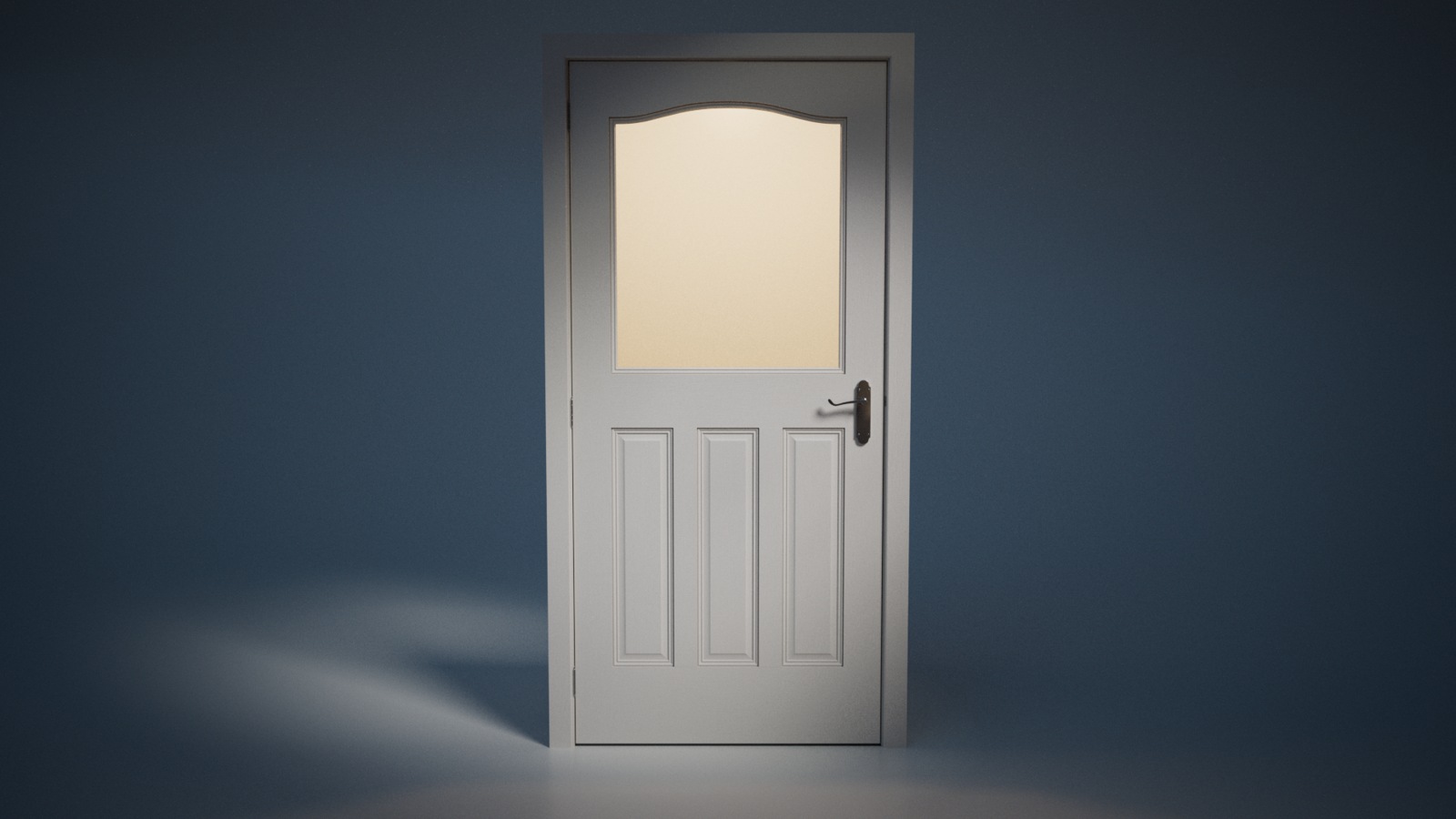
We match the architrave to the style, but you can choose another profile to give the whole assembly a different expression.
Pick it. Shape it. Click it.
Choose your layout, dimensions, panels, glazing, hardware and architrave.
Generate a detailed door assembly inside Cinema 4D in seconds.
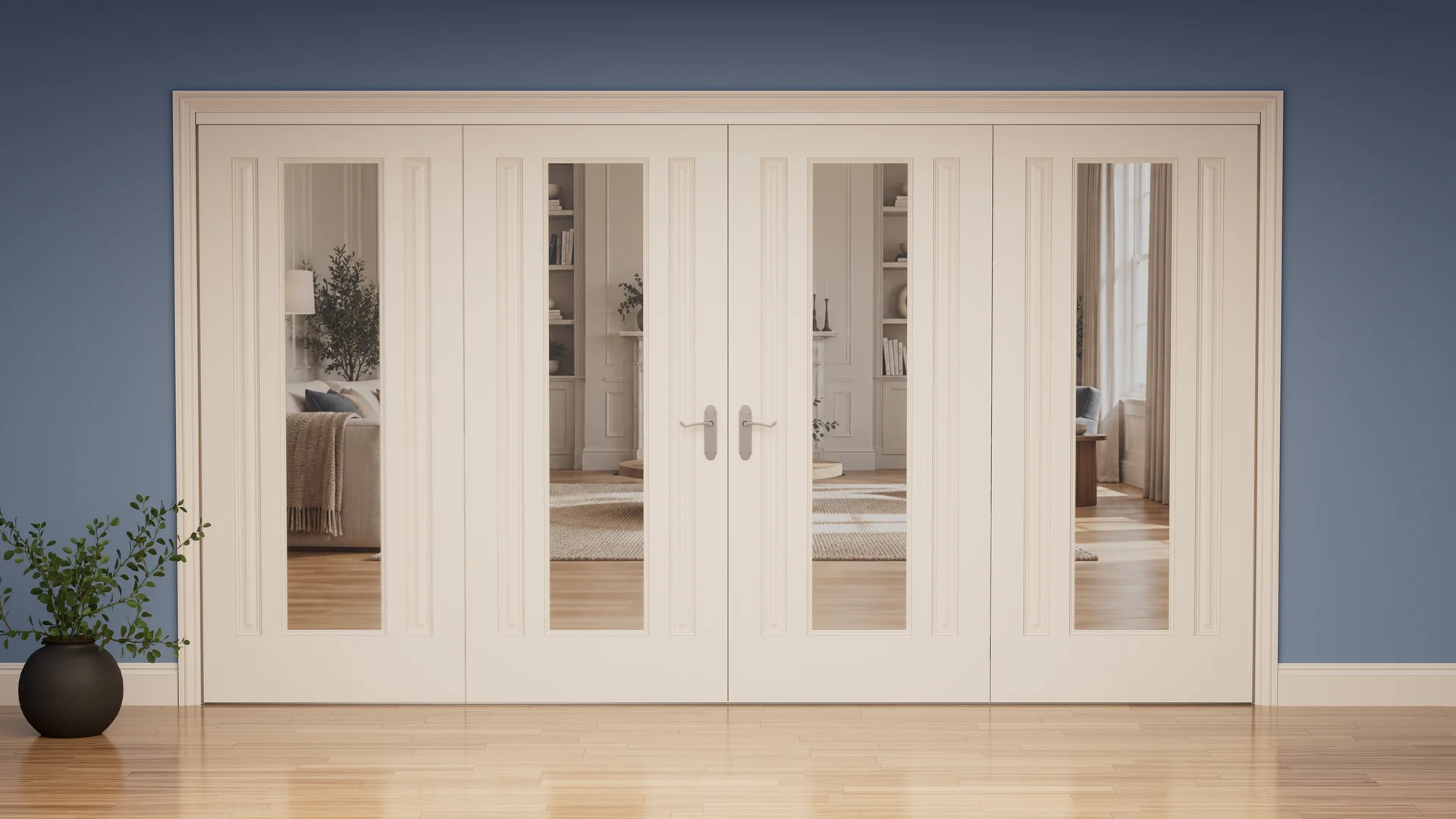
Add a side panel or two, double up, or split, with a bifold. It’s your choice.
The model is not the asset. Your decisions are.
Ever found the right door, only to discover it’s the wrong size, too thick or the frame doesn’t fit your wall?
We see doors every day. We notice when something’s off.
Joinery1Click takes care of the real-world dimensions and established joinery clearances—from the fit of the leaf in its frame to the proportions of the stiles, rails and glazing bars—so your doors sit naturally in the scene.
Copy its SKU into SKU Retrieve. Adjust the size, leaf thickness or frame depth, then click Generate. Keep the design you like and change the specification.
The current plugin download is approximately 1.4 MB. Save a generated door to disk if you choose. Generate the others only when you need them.
The model is not the asset.
Your decisions are.
Your door. Down to the last detail.
Glazing, joinery and hardware. Take a look inside.
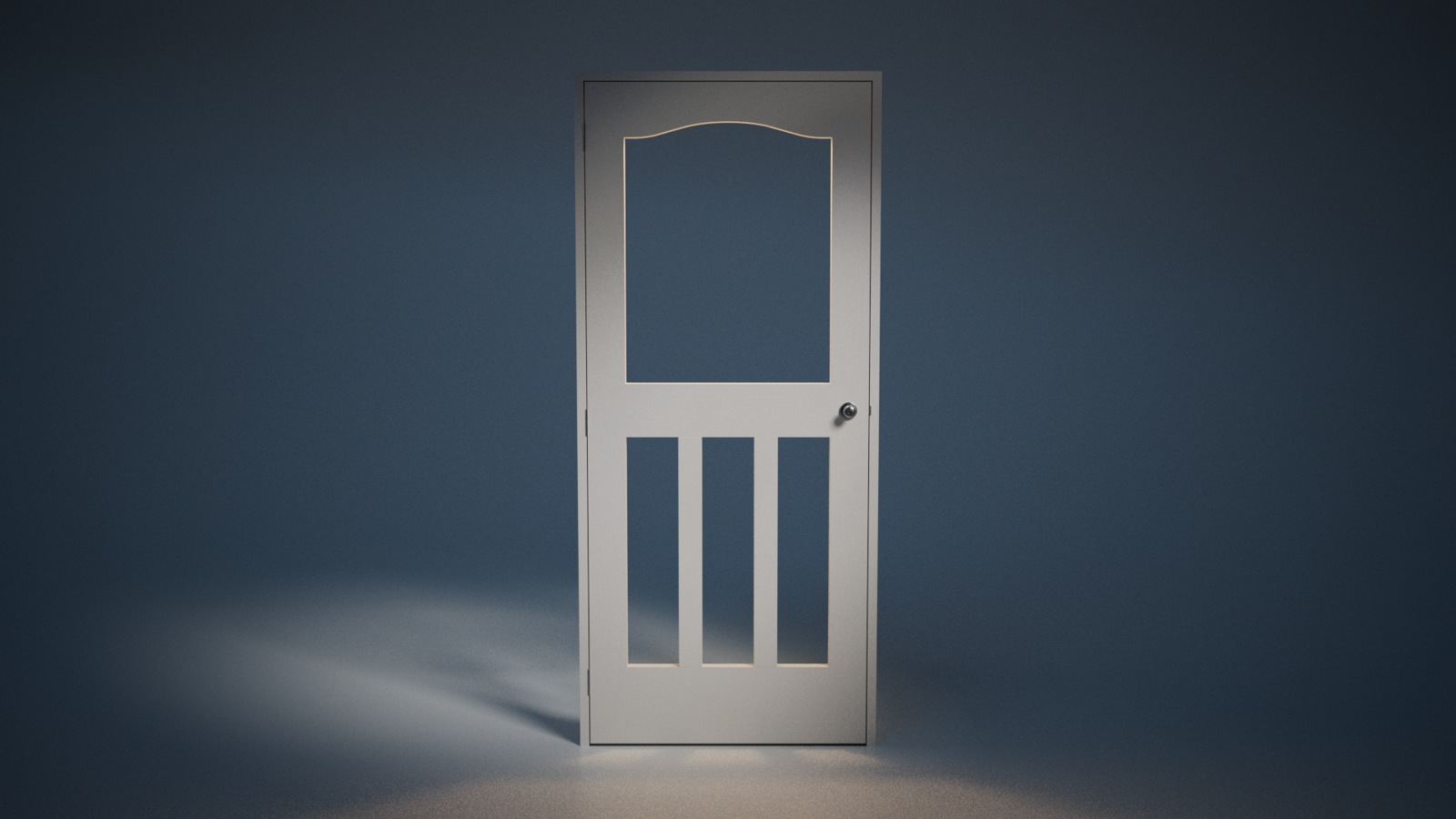
Our Modern Single. Open it in your own scene and take a closer look at the joinery, glazing and hardware.
Download the free door3.6 MB ZIP · Cinema 4D 2027 · Redshift materials
Baked geometry. Opening animation included. No J1C installation needed.
Door, frame, architraves, glazing, gaskets and hardware, with named components and materials. Includes a preview and opening instructions.
Use and modify it in your personal and commercial renders. Please don’t share, sell or redistribute the model or material files. Includes an opening animation. Studio lighting and backdrop are not included.
Yes. Download our free Modern Single sample and inspect it in your own scene. It is a baked Cinema 4D model with Redshift materials, verified in Cinema 4D 2027. You can use it in personal and commercial renders; redistribution of the model files is not permitted.
Joinery1Click — Doors Edition 1 is being developed for Cinema 4D, with a Redshift material workflow. Supported versions will be confirmed at launch.
Blender edition in development. Availability and supported versions will be confirmed when it’s ready.
No collection to download. The current plugin is approximately 1.4 MB and generates doors from your choices. Save a generated door to disk if you choose; generate others only when you need them. Keep a door’s SKU to recall its choices, make changes and generate again.
Release date: TBC. The plugin is nearing completion. Pricing, purchase options and final package contents will be confirmed before launch.
Doors Edition 1 will use a 12-month subscription. You will need to renew your licence to continue using the plugin after that period. Pricing, renewal terms and activation details will be confirmed before launch.
Export1Click and Materials1Click are connected capabilities in development. Paired with Export1Click™, your semi-procedural doors can be baked and exported to DCC's and Game Engines.
We’re exploring a web-based generator. Choose your door online, then download it in a format that fits your workflow. Supported formats and availability are still to be confirmed.
We’re looking for artists to share their experience with J1C. We’ll listen to your feedback and, where we can, use it to improve the plugin and the web experience.
Tell us what works, what gets in your way and what you’d like to see next. Email hello@joinery1click.com.
For questions and feedback, email hello@joinery1click.com. For help with J1C or the free sample, email support@joinery1click.com.
Joinery1Click is created by Baron Jepson at Digital Media Assets, drawing on his experience in 3D modelling, visualisation and production workflows.